android update project --path . --target android-25 on ubuntu 16.04
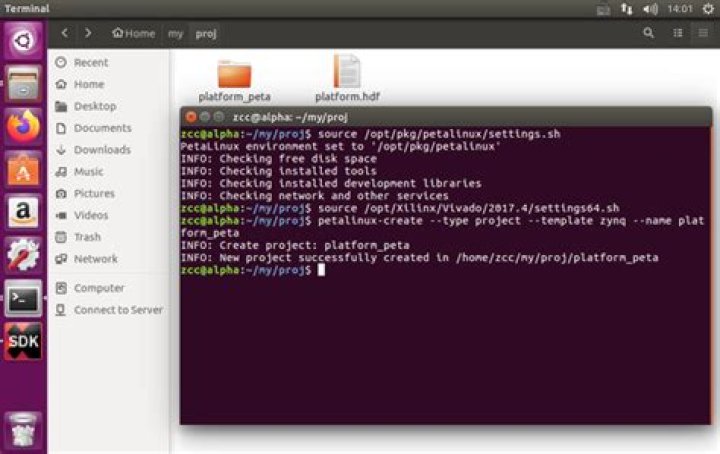
While executing command in terminal
update project --path . --target android-25I am getting error
Invalid or unsupported command "update project --path . --target android-25
Supported commands are:
android list target
android list avd
android list device
android create avd
android move avd
android delete avd
android list sdk
android update sdk
I have already set down environment variables using
export JAVA_HOME=<path_to_jdk>
export ANDROID_HOME=<path_to_sdk>
export PATH=$PATH:<path_to_tools>:<path_to_platform_tools>:<path_to_ndk>
One Strange thing was when I had set down this variables via command, the change doesn't reflected in /etc/environment when opened using gedit /etc/environment
Thanks In Advance.
1 Answer
I was getting error unsupported command "update project" because I was using sdk with tools version 26.0.1. As this command is deprecated now so it is already removed from tools version 25.3.0
I found this in documentation
So, if still want to fire this command then you have you downgrade your sdk tools to version 25.2.5 or less.
For that rename your sdk/tools folder to tool1 or else to keep it as a backup and download required sdk tools and paste that [tools] folder inside sdk folder. I have followed this link to download sdk tools or platform-tools :
In the same way you can also upgrade your tools or platform-tools. But if you are using android-studio then I recommend to update them from SDK Manager.
One last thing, to update project using "update project" command you need to set environment variables like this:
export ANDROID_HOME=<PATH_TO_SDK>
export PATH=$PATH:<PATH_TO_PLATFORM_TOOLS>:<PATH_TO_TOOLS>
This solved my problem.
2

