Arrow keys, Home, End, tab-complete keys not working in shell
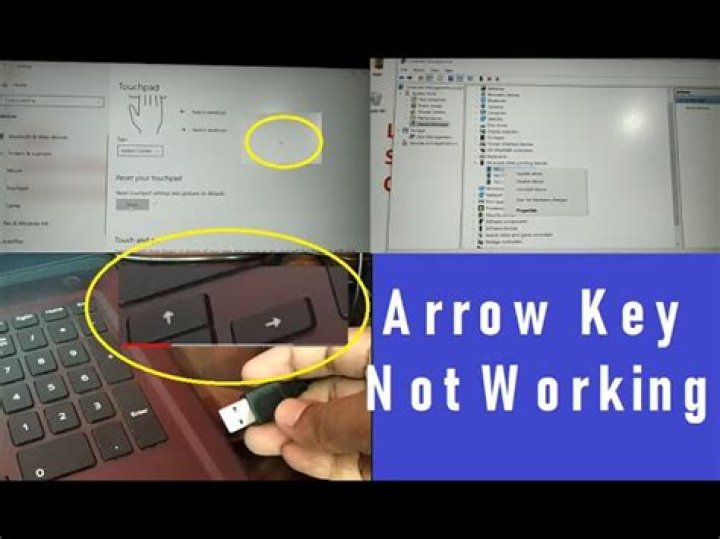
I have installed ubuntu minimal(mini.iso) on my vm. I then used recovery mode to login as root and create an account with useradd -m admin and then set a password with passwd admin.
When I login on the new account, instead of the normal prompt I only see a $ sign. If I try to tab-complete a command or file name it prints a normal tab. If I try to use the arrow keys it prints ^[[A, ^[[B, ^[[C or ^[[D. Also, ls no longer adds colors.
None of these problems were in recovery mode. How can I fix this?
48 Answers
That probably means that the new user account was created with /bin/sh as its login shell (which symlinks to the dash shell by default) instead of /bin/bash - you can change a user's login shell with the 'chsh' command
chsh -s /bin/bashor to change another user's login shell (need to be root to do this obviously)
sudo chsh -s /bin/bash <username>(you will need to start a new login session for the change to take effect). You may also need to copy the default .bashrc from /etc/skel to get the color prompt.
In future you might want to use the 'adduser' command instead of 'useradd' - it sets up a more complete user environment including things like a default .profile and .bashrc - as well as setting the login shell to 'bash'
2I was unable to use tab completion when connecting via VNC to a headless XFCE4. The answer listed here did not work but this did:
Edit Keyboard Shortcuts in xml file:
sudo nano ~/.config/xfce4/xfconf/xfce-perchannel-xml/xfce4-keyboard-shortcuts.xmlFind:
<property name="<Super>Tab" type="string" value="switch_window_key"/>Change it to:
<property name="<Super>Tab" type="empty"/>Logout/reboot and should be good to go
I just installed Vim and everything was solved. At first, I thought that it was installed on the original version of Ubuntu since I was able to use Vi command, but it was not the case.
sudo apt-get install vim solved the problem.
2sudo sh -c "if [ -e $(which bash) ]; then rm $(which sh) && ln -s $(which bash) /bin/bash; fi"My problem was that /bin/sh was symlinked to /bin/dash.
In my case it turned out to be a function that I had created in my .bash-aliases file called "test". If you are still having these errors, go through your custom aliases in .bashrc, .bash_profile, and .bash_aliases, temporarily removing any suspect additions and try bash auto-complete again.
If everything else is working, but just certain filename completion (autocomplete) attempts fail, it might be that you lack permission to search a directory that is a component of the path.
Suppose you want the listing for some other user's .bash_profile file. The following ls command will work; because sudo runs the ls command with the required permission.
$ sudo ls -al /home/someone_else/.bash_profile However, if you try to use filename completion, the tab completion does nothing.
$ sudo ls -al /home/someone_else/.bash_pr<tab> # does not completeThat is because the bash completion is operating before sudo gets invoked. The command might as well be:
$ ls -al /home/someone_else/.bash_pr<tab> Because permission to search that directory is lacking, the command completion does nothing.
To temporarily run with greater permissions, you can start a new shell with sudo.
$ sudo bashThe ls command can now be run without the sudo predicate, and autocomplete works. (Note that the prompt switches from $ to #.)
# ls -al /home/someone_else/.bash_pr<tab> Just make sure you kill the shell when your task is completed; a shell with this much power is dangerous.
# exitYou can also experience tab-completion failure if you're trying to tab-complete a filename with a wrong (or missing) suffix for the command it's being used with in the tab completion.
As an example, tab completion failed on the command+file: totem ~/Videos/SomefilenameWithNoSuffix but worked perfectly after I had renamed the .mkv to ~/Videos/SomefilenameWithNoSuffix.mkv
This will solve all: paste and press . After that you will be able to auto-complete from the history, using arrow up.
bind '"\e[A": history-search-backward'Taken from: Also you can use Ctrl + R to see your history.
1More in general

"Zoraya ter Beek, age 29, just died by assisted suicide in the Netherlands. She was physically healthy, but psychologically depressed. It's an abomination that an entire society would actively facilitate, even encourage, someone ending their own life because they had no hope. Th…"

