Battery drain on lenovo legion 5
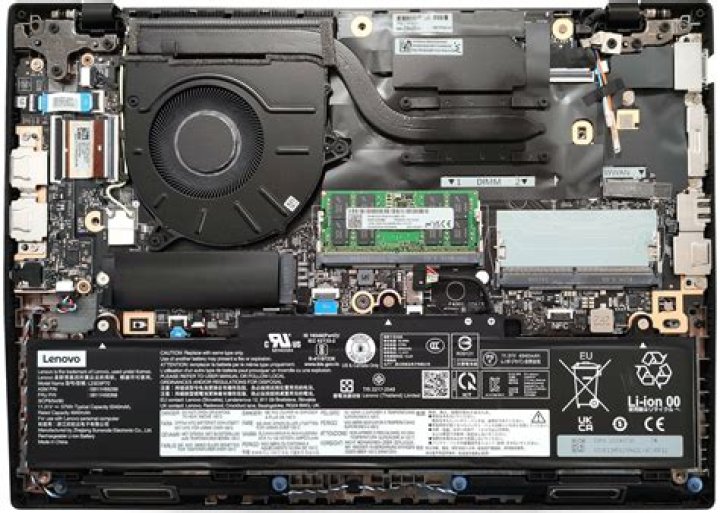
My battery remains for about 2.5 hours on ubuntu, but in Windows it remains for about 7 hours, how to expand battery life on ubuntu ?, or how to turn off Nvidia GPU ?
My laptop: Lenovo Legion 5 15ACH6, AMD Ryzen 7 5800H, NVIDIA RTX 3050 Ti
11 Answer
Note: I am using Ubuntu 22.04
I have the exact same model (15ACH6) with the same specs. I searched a lot, and finally found this tool which successfully disabled the Nvidia GPU for me:
For it to work, first install the proprietary Nvidia drivers. Then, reboot. Then, run the following 2 commands:
sudo prime-select on-demand
sudo systemctl disable gpu-manager.service #to prevent gpu-manager from interfering.
Now, clone the repo and run the following command:
sudo python3 envycontrol.py -s integrated
sudo reboot #And then reboot
You will have your Nvidia GPU disabled. You can verify it using this command:
lspci -nn | grep -E 'VGA|Display' #It shouldn't show NvidiaHowever, note that, even after disabling Nvidia GPU, my power consumption didn't decrease a lot. From 20W, it came down to about 15W. I measured it using powertop. Let me know how much it reduces for you.


