broke Ubuntu with the Windows disk management tool
I initially had 3 partitions:
-Windows 7
-Ubuntu
-Data (no OS)
I had grub2 as a boot loader.
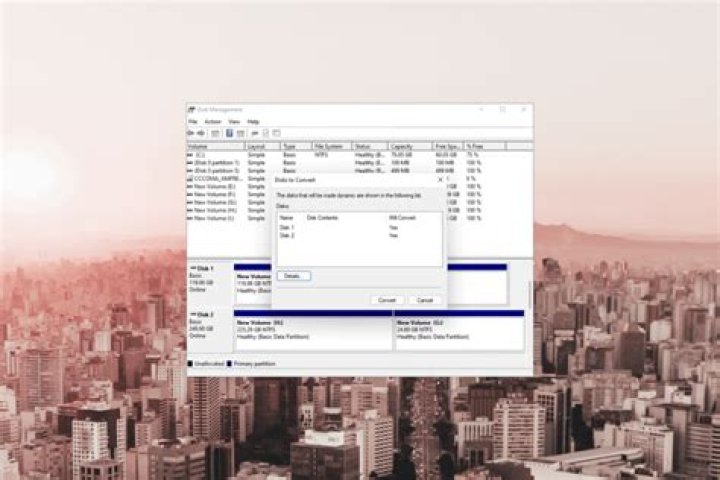
I used the default Windows disk management tool to shrink my Data partition and install Windows 8. After shrinking my Data partition and creating a new one, i restarted my computer and I got an error message telling me that it encountered an error (grub didn't even start). So I installed Windows 8, and I can now dual boot 7 and 8 with the Windows 8 boot loader. In the windows disk management tool I see that the Ubuntu partitions are 100% free, which is odd, since I only formatted the new partition.
- What did I do wrong? Was I supposed to create the partition using gparted?
- I now want to install Ubuntu again. Is there a chance that now I'll somehow erase my Windows partition by accident?
- I assume grub will automatically install again, so is it compatible with Windows 8?
1 Answer
1 No you did not wrong. Windows can't handle Linux filesystems. It just displays them as free.
3 Grub can boot Windows 8
2 You don't have to.
a. Reinstall grub from a Live CD/DVD/USB-Stick. Grub will start first and than boot Ubuntu or Win.
Instructions:
b. Add a boot entry to the Windows bootloader.
Instructions:
And yes, there is allways a chance to do something wrong. So do a backup!


