Can't Run/Download forge MINECRAFT 1.8 [closed]
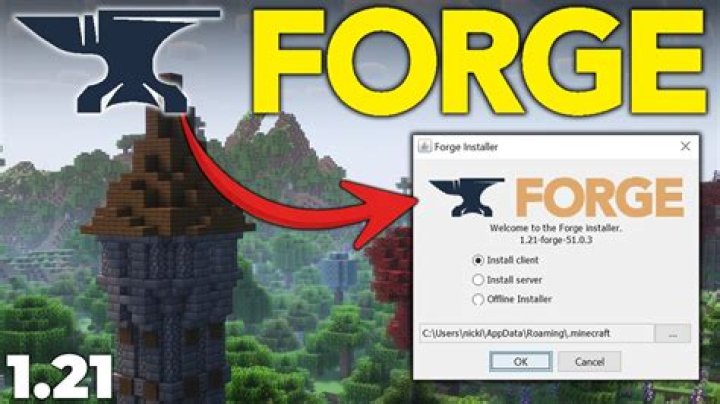
Hello, So I've been trying to download forge for Minecraft 1.8 to get Toggle Sneak/Sprint.
I get it into my downloads.
But when I open it or try to run it. This happens.
And when I save it, then open that one, the same screen pops up.
Isn't it supposed to come up with the regular forge downloader screen?
If anyone could help me fix this problem so I can download and run forge to get toggle sprint that would be greatly appreciated, thank you.
31 Answer
Your file extension associations are all messed up, it's trying to open a file intended to be used with your Java executable using Internet Explorer.
what you should do is follow the guidelines set by
- Start "Control Panel"
- Click "Default Programs"
- Click "Associate a file type or protocol with a specific program"
- Double click .jar
- Browse C:\Program Files\Java\jre7\bin\javaw.exe*
- Click the button Open
- Click the button OK
NOTE: depending on how you installed Java and what version you installed, it might be located somewhere else. The above path is for a default installation of java 7. It appears like you installed Java 8, which will have a different path. If you want to be absolutely sure what path to use, you should do the following:
right-click the Windows button and click on "Command prompt".
- enter the following text:
Java -verbose - A bunch of text will scroll down. this is normal. at the end of this text is something like
[Loaded java.lang.Shutdown$Lock from C:\Program Files\Java\jre1.8.0_101\lib\rt.jar]. Java will in this case be installed inC:\Program Files\Java\jre1.8.0_101.
This is all assuming you already installed java, obviously. If you haven't installed java yet, do so first. Forge requires Java to run.