Cannot launch a game because of missing OpenAL32.dll library
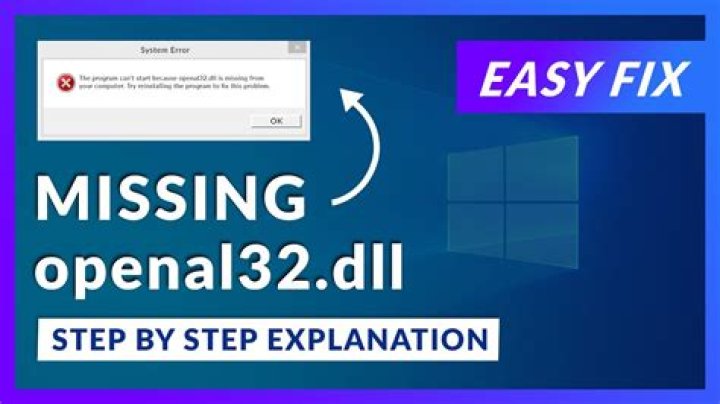
I'm trying to launch a Steam game on my computer (it's Stealth Inc 2: A Game of Clones, but I believe the issue is much more common). Every time I launch I get a message that says:
You cannot launch the game, because OpenAL32.dll was not found
I googled the solution, but most of what I get is "download an exe file that will install the dll". I don't trust this solution. I don't know the sites I can download it from, therefore I can't be sure if I'm not accidently downloading malware.
My question's are:
- What is this library for?
- How is it usually appear on my computer?
- What is the safest way to get one for my computer?
Thanks in advance.
73 Answers
In your steam folder where that game is installed, there should be a "CommonRedist" folder. Dive into that and look for an "OpenAL" folder. Look in there (or a subfolder) for the install file, should be called "oalinst.exe"
If it is there (it should be), this is part of the game's required install files bundled with the game, so no worries about random internet downloads.
OpenAL is the audio library the game makers have chosen to handle sound for the game.
3OpenAL is a multi-platform audio interface that was created by Creative Technology to provide an efficient means to render sound in 3D.
In other words, this is interface behind the games ability to play sound realistically, in a 3D environment. It allows the game to account for distance, degradation, and even replicate the Doppler effect. This interface is common across a broad range of games and platforms, including emulators such as dolphin, and blender.
Ultimately, the best means to aquire openal32.dll securely is through steam. As Yorik details, you should have an installation for it provided. Should your install file be missing, it would be worth validating the game via Steam, to ensure you have not simply deleted it by mistake.
You can find the official OpenAL website here, and the official developers homepage here. This might help you with authenticating alternate methods of download, should the intended means fault out. I generally recommend only downloading DLL files from the source, but Creative Technology only provide the SDK files.
There is one way to solve this problem without using any additional software - download the missing dll library file and add it into the directory. You can follow the instructions from here: . I'm sure you'll fix it fast. Good luck.
1