Chromebook, Ubuntu and Second Life
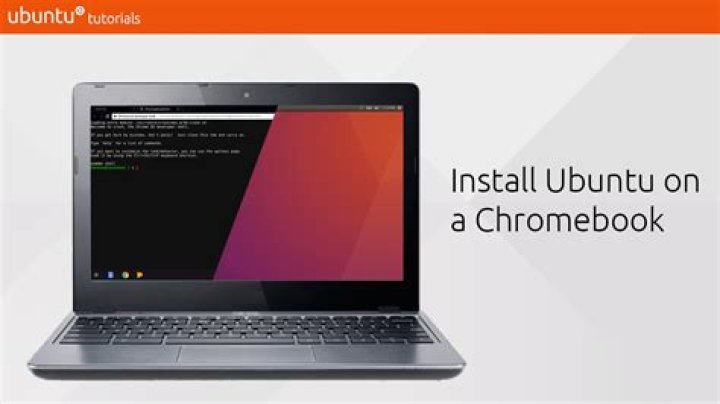
Alright so I'm a long term Windows user. My computer died and i had to fall back onto a Beta Chromebook with Chrome OS. now I have already used a youtube video to install Linux/Ubuntu/Unity with crouton.
Now I just need help downloading my favorite game Second Life (preferable with the Firestorm Viewer). Now unless it wasn't already obvious I know nothing about Linux/Ubuntu so I could really use a start to finish/step by step instruction manual.
I work better with youtube videos if someone is willing to make me one. When I say start to finish I mean it: every update and application from the installation of Ubuntu to the start up of the game.
12 Answers
To install second life on ubuntu follow these steps.
First of all download tarball of game from here Second_Life_3_7_24_297623_i686.tar.bz2.
Save it to your home folder(
/home/YOUR USERNAME).Right click the downloaded file and open with archive manager,
select option
extract here.Fire up a terminal.(On your keyboard: CTRL-ALT-T-)
Change Directory by running :
cd Second_Life_3_7_24_297623_i686Then in the same terminal:
sudo ./install.sh,- It will ask for your password, so type your password, press enter,
- press enter again
- If everything goes fine than Go to dash and type secondlife and click on second life icon to play.
Hope it helps
4I have heard that SL needs to run in 32 bit mode on Linux, and that this requires getting and installing the necessary 32 bit drivers. I don't know how reliable the source is, but if you've tried everything else and it still doesn't work, what have you got to lose??
1

