Counterclockwise Arrows emoji displays wrong on Windows 11
By David Jones •
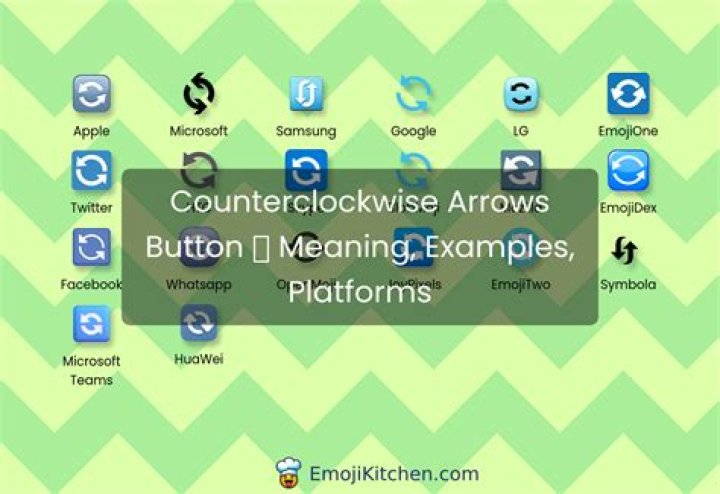
The Counterclockwise Arrows emoji (U+1F504) is supposed to look like this:
Instead, it displays as the end arrow emoji (U+1F51A):
The following list are the unicode characters in question:
- 🔄 (counterclockwise arrows)
- 🔚 (end arrow)
Here is a screenshot of this list from Windows 11:
I have a Windows 10 machine where these characters render fine; here is a screenshot of this list from Windows 10:
What is going on and how do I fix this?
4 Reset to default

