Display current monitor refresh rate (FreeSync test)
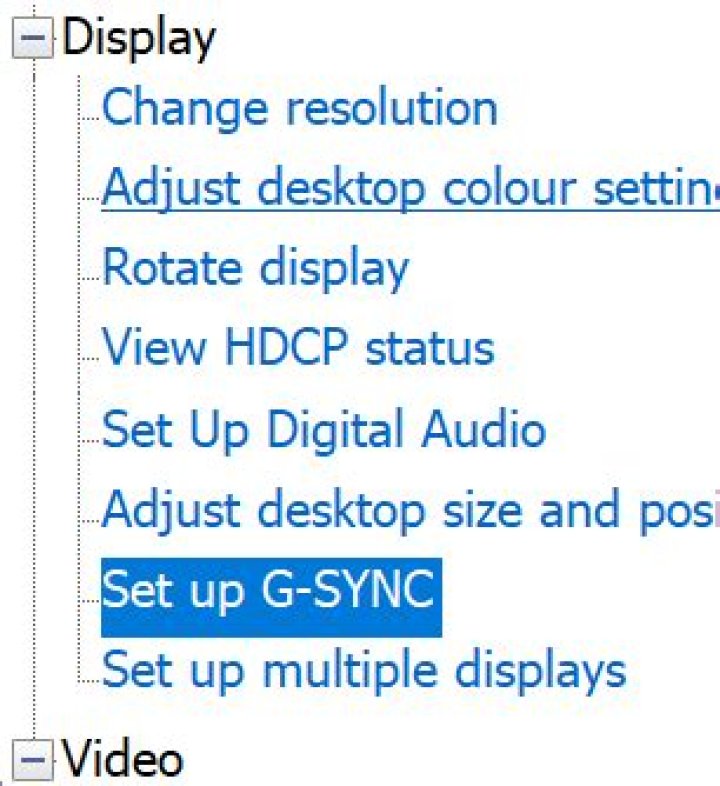
Is there any way to display the current monitor refresh rate? I have a monitor that supports FreeSync, and an Nvidia graphics card on Windows 10. I have enabled G-Sync compatible in Nvidia Settings, and I am playing a 24fps video.
I want to see the current monitor refresh rate (I mean the dynamic one set by FreeSync, not the nominal 60Hz in Windows settings), because I want to know if the current monitor rate is reduced to 24fps. Is this possible?
1 Answer
Nvidia has the following to say on How to know if G-SYNC is enabled:
To verify whether G-SYNC is enabled for your game, click Displayfrom the NVIDIA Control Panel menu bar, then select Show indicator for G-SYNC.
Note: Depending on the type of monitor connected, the menu item could state Show indicator for G-SYNC, Show indicator for G-SYNC Compatible, or Show indicator for G-SYNC/G-SYNC Compatible
The indicator will appear on your screen to let you know whether G-SYNC is turned on.
Additionally i'd like to mention Freesync typically has a bottom range of 40Hz, not allowing you to have native 24Hz support. I'm unsure of wether it will switch to 48Hz as a best alternative.


