Getting Import error after installing packages through conda
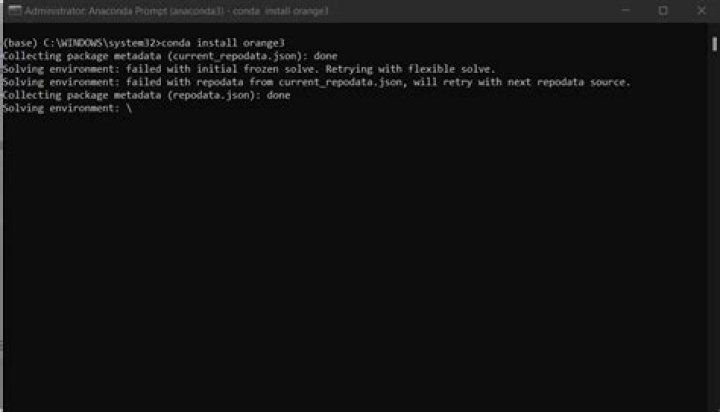
I just installed pandas, BeautifulSoup4, Jinja2 alongside conda distribution, but I'm not able to import any of the packages except numpy and others which come pre-installed with conda.
Where am I doing this wrong?
Here is a screenshot of my terminal window, where you can see the ImportError and ModuleNotFoundError in Python 2 and 3 respectively. I didn't try pip because I thought it might make things worse by breaking something.
1 Answer
You won't be able to import those packages from native installed python/python3 environments (unless you've installed them using pip/pip3). Anaconda uses virtual environments (the default one is called base).
You have to activate base virtual environment and use its python in order to install additional packages using pip/pip3 or import Anaconda's preinstalled packages :
conda activate base
python
>>> import pandas
>>> exit()
conda deactivate
OR
conda activate base
python3
>>> import pandas
>>> exit()
conda deactivate
You can check installed packages inside base virtual environment using :
conda activate base
pip list
pip3 list
conda deactivate
If u have several conda environment (other than base), you can list them using :
conda env listFinally, you can run your scripts using :
conda activate env_name # env_name is probably base in your case
python script.py
conda deactivate
OR
conda activate env_name
python3 script.py
conda deactivate

