Global 24-hour time format in KDE Plasma
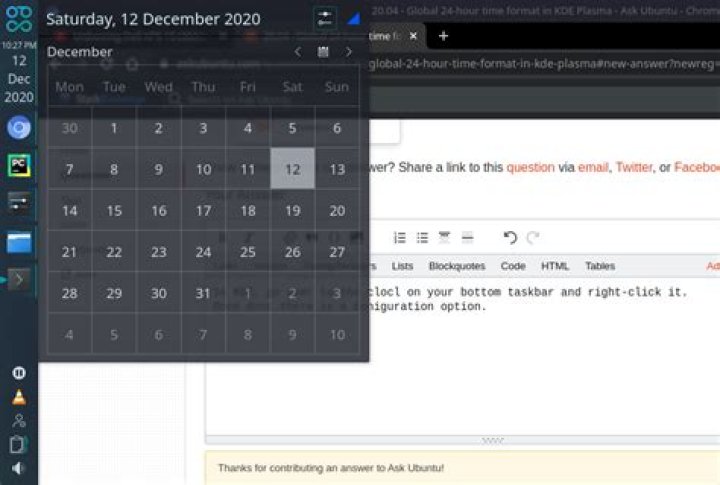
I am using KDE Plasma 5.18.5 in Ubuntu 20.04. Plasma by default came with 12-hour time format and it is displayed everywhere-- from the digital clock widget to the lock screen. But I prefer to use the 24-hour format.
However, I cannot understand how to change the time format globally to 24-hour. I have looked into many places in the System Settings, but there was no sign of that setting. I have searched thoroughly under the Regional Settings page, but still haven't found any such thing.
How to change the time format globally to 24-hour?
2 Answers
In KDE, go over to the clock on your bottom taskbar and right-click it. Once done there is a coniguration icon.
Once done click on the Time-Display option and then you can change the time-format to either 12-hour or 24-hour. Hope it helped.
In KDE 5.22.4 (Find your version in the About program):
Right click the time > Configure Digital Clock > Time Display > 24-hour


