Had to upgrade Postgres on Ubuntu; now, how to access old, missing databases?
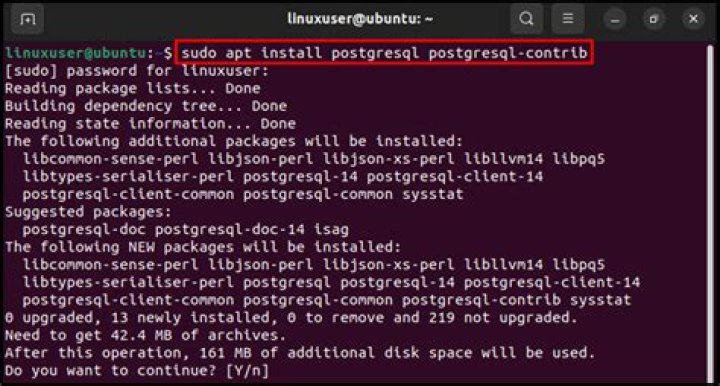
My local connection on my Ubuntu server (14.04) wasn't working to my Postgres (9.3) database, so I tried upgrading it to 9.4 to solve the connection issues. Luckily I can now connect to the database, but... My old databases (and tables, views, etc.) are now missing...
Is it possible to recover these? How would I go about doing that?
2 Answers
Unless you've removed the old 9.3 cluster there should be 2 clusters running:
$ service postgresql status
9.3/main (port 5432): online
9.4/main (port 5433): online
(or use pg_lsclusters to display existing PostgreSQL clusters).
PostgresSQL commands accepts -p argument to distinguish which DB cluster you're using (it accepts also Unix socket path). You can export old data using (assuming that the old DB runs on port 5432):
su - postgres
pg_dump -p 5432 my_db -f my_db.dump
# import data into new DB cluster
pg_restore -p 5433 -d my_db my_db.dump
Unless you have a backup dump lying around, the safest way to do this is to:
- uninstall Postgres 9.4,
- install 9.3,
- backup the database using
pg_dumpall > backup.sql, - uninstall Postgres 9.3,
- install Postgres 9.4,
- restore the databases using
psql -d postgres -f backup.sql.
The 9.3 databases are in a different format than what 9.4 expects and there is no easy way to convert them using 9.4 tools only.
1

