Has anyone used the Lenovo y480 with Ubuntu?
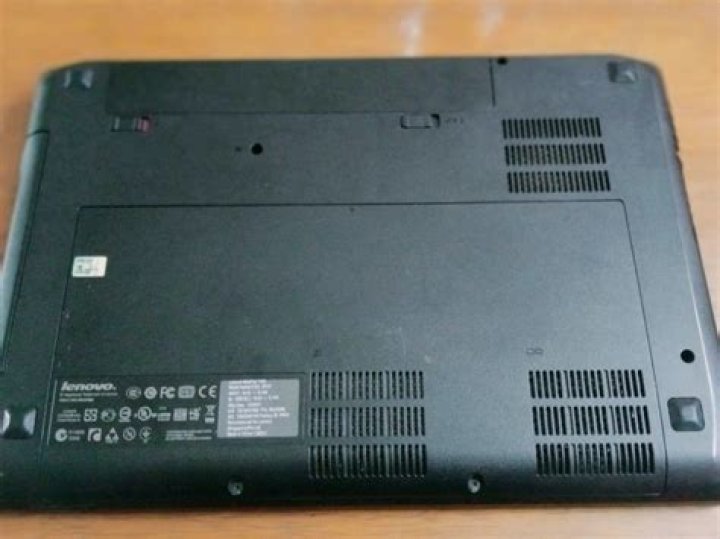
I'm looking into a Laptop with good graphics capabilities for under $1000, and I came across the Lenovo y470p and y480. The y470p has an AMD graphics card which I'm told is supported better under Linux but is otherwise "last gen," while the y480 has a Nvidia 640m card but is much newer tech. I'd like to know what the state of Nvidia drivers are in Ubuntu and if this is an unsupported Optimus card or if it would be a good computer to use. If possible I would like to use Linux for everything, and the graphics would be a nice bonus but I am willing to keep Windows on the computer for the occasional game.
4 Answers
I have been using 12.04 on my Y480 for over a month now -- i7, 8GB RAM, 750GB HD. Works great. I have no issues with wireless, sound, etc. The only "complaint" I have is that the trackpad occasionally doesn't seem to turn off while typing, so the cursor sometimes ends up in odd places. However, coming from an Apple Macbook Pro (old model), I think the ability to use two fingers for a right click works better under Ubuntu than it did in the brief time I had Windows on the machine. I don't believe I had to go through any extraordinary effort to get the machine working.
I bought this laptop with the intent of installing Ubuntu on it, trying to escape the Apple/Microsoft dictatorships, and I am very happy with the machine.
I got the GPU running on Lenovo Y480P on Ubuntu 12.04/12.10. It has Nvidia GT640M LE. There is a bug in ACPI module. It detects the wrong handle. Use these steps:
git clone git:// -b hack-lenovo
cd bbswitch
sudo mkdir /usr/src/acpi-handle-hack-0.0.2
sudo cp Makefile acpi-handle-hack.c /usr/src/acpi-handle-hack-0.0.2
sudo cp dkms/acpi-handle-hack.conf /usr/src/acpi-handle-hack-0.0.2/dkms.conf
sudo dkms install acpi-handle-hack/0.0.2
Reference for the above:
The link says its for Lenovo Y470P but it works for Y480P as well. After this, install bumblebee and the nvidia-driver from ubuntu-x-swat/x-updates as follows:
sudo add-apt-repository ppa:bumblebee/stable
sudo add-apt-repository ppa:ubuntu-x-swat/x-updates
sudo apt-get update
sudo apt-get install bumblebee bumblebee-nvidia linux-headers-generic
echo acpi-handle-hack | sudo tee -a /etc/modules
sudo update-initramfs -u
And reboot.
Reference:
You can check if the GPU is running by executing each of the following commands for 3 seconds and observing the frame rate:
$ glxgears
$ optirun glxgears
Hope this helps you. :).
0Just swapped my SSD from my old Core2Duo notebook with Nvidia graphics into my new Y580 which has Ivy Bridge (Intel 4000) and Nvidia GTX 660m and according to driver manager no drivers are being used.. just Ivy Bridge. so its not using or even seeing the Nvidia option.
I imagine if i change the setting in BIOS so it doesn't use "switchable graphics" and just the Nvidia it may be a different story. I also want to try a fresh install of 12.04.
2You seem to be inquiring about how well the GT640M works with Bumblebee. I don't know about the 640M, but I have worked out a recipe for getting Bumblebee working with the 650M (which may be a similar model). If you end up owning a system with the 640M and you can't manage to get bumblebee working by following all the official instructions, you might consider following my tutorial here:
The short of it is, until bumblebee 3.0.1 and nvidia-current 304.22b or newer are in your distro's repositories, you may need to follow a procedure similar to the one in my tutorial to get your newish NVidia Optimus card working with the proprietary driver.
To answer your question more specifically, when bumblebee works at all, it seems to work very well in my experience.
2

