How can I import a database using command line?
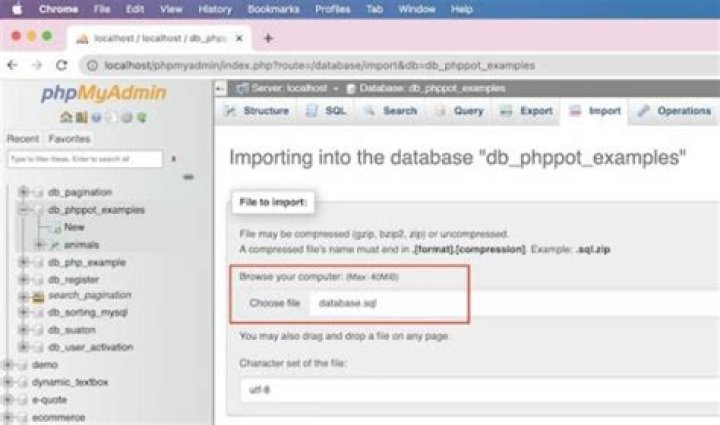
I am using Ubuntu 14.04. I want to import my database which is located on the server /var/www/backup.zip. Also I've SSH access using Putty. Noted that MySQL and phpMyadmin are installed on the server.
When I run this command
mysql -u root -p spy < /var/www/backup.zipnothing happens. A newline shows which starts with ->.
What should I do now?
2 Answers
I believe the format is:
mysql -u username -p database_name < /path/to/file.sqlFrom within mysql:
mysql> use db_name;
mysql> source backup-file.sql;The main problem is that you're trying to run a bash command from within mysql. If you run that command at the regular terminal prompt the format of the command is correct.
The second issue is that you have a zip file and not a SQL file so you need to unzip it first.
How do I load a sql.gz file to my database? (on Server Fault) explains most of what you need. My answer there should work here too with a slight modification:
unzip -p /var/www/backup.zip | mysql -u root -p mydbunzip -p unzips to a pipe, so that you can pipe that into your database command. Make sure the zip file only contains one sql file.
mysql -u root -p mydb is going to prompt you for a password (the -p without a value) and then attempt to pipe in the file data to mydb - change the mydb to your own database. You shouldn't specify the password in the command line as it then remains in your command history.
More in general

"Zoraya ter Beek, age 29, just died by assisted suicide in the Netherlands. She was physically healthy, but psychologically depressed. It's an abomination that an entire society would actively facilitate, even encourage, someone ending their own life because they had no hope. Th…"

