How do I rename the actual USB drive (not the label)?
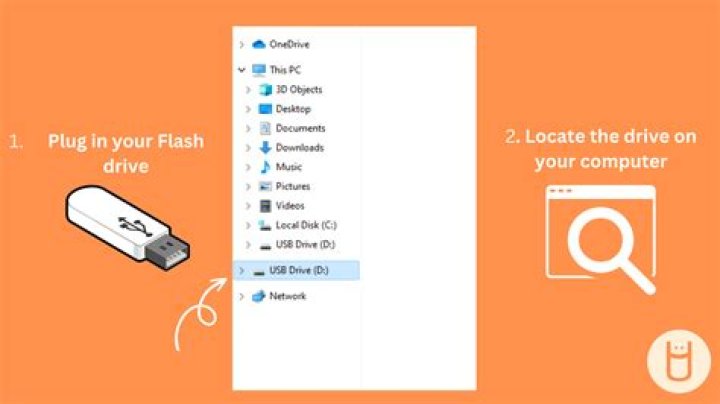
I'm not asking how to simply change the name of the USBs label the OS shows. I would like to know how I can change the name of the actual USB stick.
For example, if I try to boot from the USB I can see all the devices including my USB which is not named according to the label I gave it but "SanDisk Extreme 001" in my case. I hope you can help me.
21 Answer
To change the Name of your USB Drive you need to reprogram the micro-controller inside your USB Flash Drive with the Name of your choice. The steps are below are similar to my answer for this question - Flipping the Removable Media bit -- alternatives to BootIt?
- Download ChipGenius and find out the VID and PID of your USB Drive.
- Go to and enter the VID and PID of your USB Drive.Check if there are any Mass Production tools available and download them.
- Depending on tool for your USB Flash Drive, you will have to figure how to use it.Most Mass Production Tools have an Option to change the Name and Serial ID of the USB Drive.
Check this for detailed guide on how to do this.(In this guide the MPtool is being used to repair a fake USB Drive)
Warning - The procedure varies for different USB Flash Drives and you may end up with irreparable USB Flash Drive.
I have successfully changed the name of Transcend Jetflash USB Drives using Alcor Mass Production Tools.


