How to Convert Ubuntu 18 Virtual Machine(XenServer) installed in BIOS mode with seperate /boot partition to UEFI mode(Standalone machine)
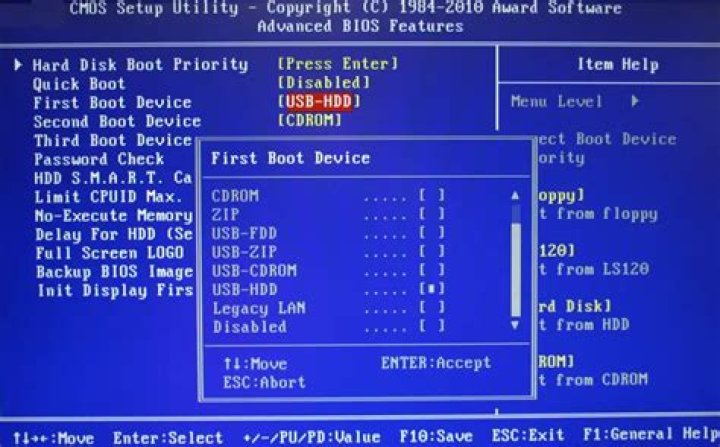
This page has a lot information. Here is my scenarios of my issue. I'm looking to convert my existing Ubuntu to Standalone machine. Clonezilla backup/restore doesn't seems to work. As hardware we purchased is only support EFI to boot from internal disks. There is Legacy BIOS only for booting from external devices.
My Environment:
Virtual Machine(Ubuntu 18) Hosted in XenServer. This particular VM has following Disks and partitions. Disk /dev/xvda: 200 GiB, 214748364800 bytes, 419430400 sectors Units: sectors of 1 * 512 = 512 bytes Sector size (logical/physical): 512 bytes / 512 bytes I/O size (minimum/optimal): 512 bytes / 512 bytes Disklabel type: dos Disk identifier: 0xcbc76399
Device Boot Start End Sectors Size Id Type /dev/xvda1 2048 999423 997376 487M 83 Linux /dev/xvda2 1001470 419428351 418426882 199.5G 5 Extended /dev/xvda5 1001472 419428351 418426880 199.5G 8e Linux LVM
I purchased new Dell 3930 Rackmount with two disks. This unit provides firmware raid known as Intel(RST). When you boot with ubuntu live cd, you see the raid 1 drives as md device.
I was able to restore the clonezilla image using very particular version of clonezilla. However, I was not able to boot up after restore either in BIOS or EFI mode.
Can someone provide me some guidelines here to convert into this standalone machine?
1 Reset to default

