How to install R version 3.2.1 – collect2: error: ld returned 1 exit status
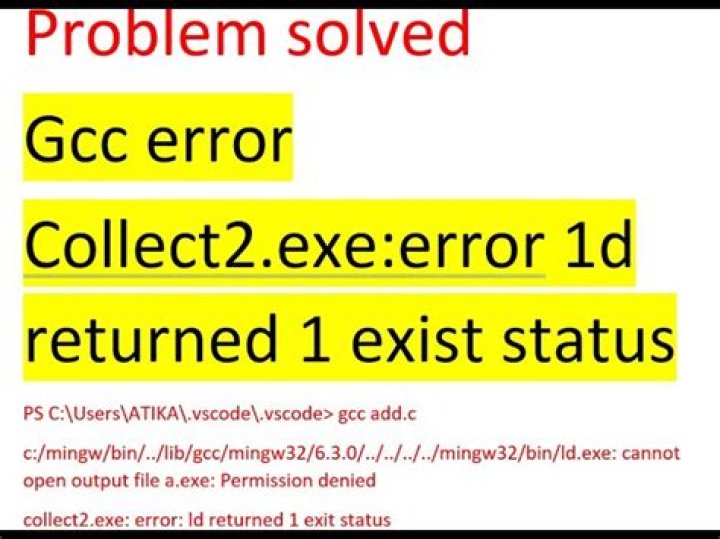
I'm trying to install R version 3.2.1. I executed the following code
./configure --enable-R-shlibfollowed by make command. But the following error is obtained.
/usr/bin/ld: ../appl/dchdc.o: relocation R_X86_64_32 against `.rodata' can not be used when making a shared object; recompile with -fPIC
../appl/dchdc.o: error adding symbols: Bad value
collect2: error: ld returned 1 exit status
Please help me to resolve this or let me know how to remove this specific version of R. Because when I run sudo apt-get --purge autoremove R,
E: Unable to locate package R2 Answers
For a full list of steps to install a version from source, skip the following lines and read on with Install from source
To install/remove the GNU R statistical computation and graphics system you need the package r-base.
Therefore
sudo apt-get install r-baseor
sudo apt-get purge r-baseTo install/remove the GNU R collection of recommended packages you need r-recommended
sudo apt-get install r-recommended or
sudo apt-get install r-recommendedInstall from source
The version 3.2.1 is in the Wily Universe repositories.
To install the version 3.2.1 on older Ubuntu versions, you have to compile the packages for yourself
Download and extract
cd
wget
sudo apt-get install tcl tcl-dev tk-dev tk
tar xf R-3.2.1.tar.gz
cd R-3.2.1
Create a Makefile with
configureand enable shared libraries (--enable-R-shlib) and Tcl/TK-support (--with-tcltk)./configure --prefix=/usr/local --enable-R-shlib --with-tcltkor simply with (without
shared libraries)./configureAnd start the build process
makeAfter that, install. I prefer the installation with
checkinstall, to create and install a deb packagesudo apt-get install checkinstall sudo checkinstallBut you could also use the standard way
sudo make install
And now, you have version 3.2.1 installed
 % /usr/local/bin/R
R version 3.2.1 (2015-06-18) -- "World-Famous Astronaut"
Copyright (C) 2015 The R Foundation for Statistical Computing
Platform: x86_64-unknown-linux-gnu (64-bit)
R is free software and comes with ABSOLUTELY NO WARRANTY.
You are welcome to redistribute it under certain conditions.
Type 'license()' or 'licence()' for distribution details. Natural language support but running in an English locale
R is a collaborative project with many contributors.
Type 'contributors()' for more information and
'citation()' on how to cite R or R packages in publications.
Type 'demo()' for some demos, 'help()' for on-line help, or
'help.start()' for an HTML browser interface to help.
Type 'q()' to quit R.
>
Install RStudio Desktop
Download the latest version here, e.g.
wget Install via
sudo dpkg -i rstudio-0.99.467-amd64.debCheck the install output and install missing packages, e.g. in my case
sudo apt install libjpeg62Start RStudio via Unity Dash or GNOME Activities or via command line
/usr/lib/rstudio/bin/rstudioIf you encounter following error:
configure: error: --with-readline=yes (default) and headers/libs are not availablerun this command:
sudo apt-get build-dep r-baseMore in general

"Zoraya ter Beek, age 29, just died by assisted suicide in the Netherlands. She was physically healthy, but psychologically depressed. It's an abomination that an entire society would actively facilitate, even encourage, someone ending their own life because they had no hope. Th…"

