How to make Windows Explorer file properties show exact times?
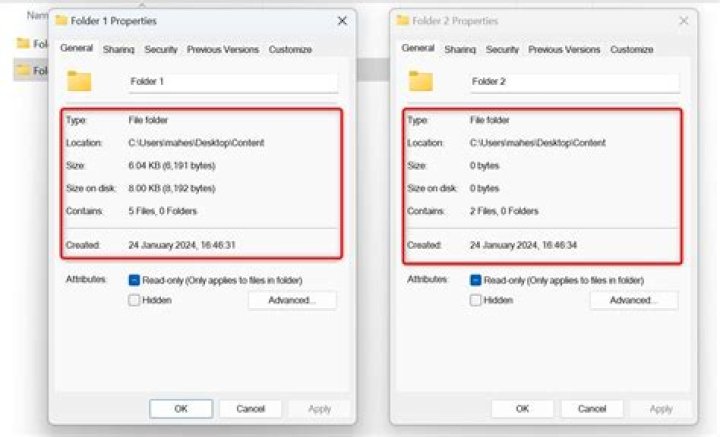
When I bring up file properties, I don't want my OS to round off values for me. But to my surprise, I click on a file, open properties, and see:
Created: Today, June 11, 2015, 4 hours ago
Modified: Today, June 11, 2015, 4 hours ago
Accessed: Today, June 11, 2015, 4 hours ago
How can I change this back to show the time stamp instead of this rounded-off time?
1 Answer
Why does Windows Explorer file properties not show exact times?
When I bring up file properties, I don't want my OS to round off values for me
This behaviour is caused by the having the long data format set to Day of the Week instead of Day.
How do I fix this?
Go to Control Panel > Region and Language > Additional Settings > Date
Change the “Long date” format to “ddd, MMMM dd, yyyy” (remove one of the ‘d’).
This will change it from the "Long Day" format to the "Abbreviated date" format (ie "Thursday" becomes "Thu").
Apparently the "Long date" (my terminology) also understands something about "Today", but the "Abbreviated date" (again, my terminology) doesn’t, so instead of "Today" it says "Thu".
Because it doesn't know it is "Today", it lists the full time.
Source Windows 7 Annoyance: File Properties


