How to partition disk in Ubuntu and then install Windows 7?
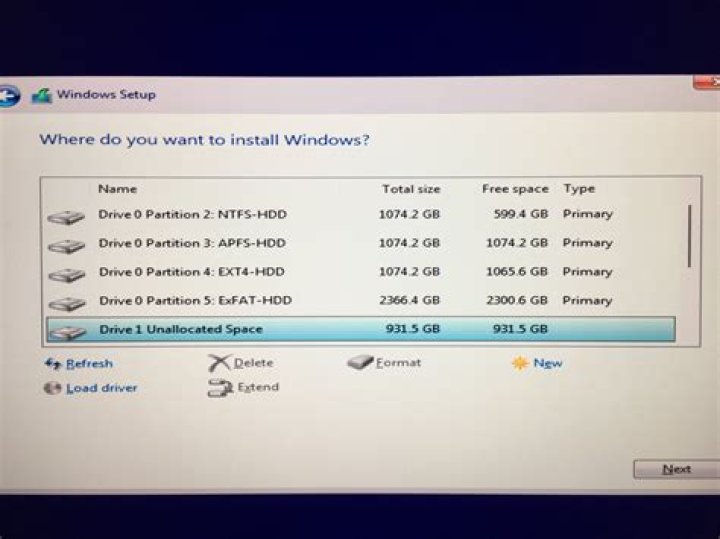
I installed 12.04 from Pendrive. Now I want to partition my 500GB HDD in the following order: 50GB for the Ubuntu OS, 70GB for Windows 7, remaining for data storage.
- How to do partition in Ubuntu?
- After that how to install Windows 7?
2 Answers
You can use gParted to partition your harddrives.
To make a new partition, first shrink an existing partition (if you don't have enough unallocated space). The remaining space would be turned into unallocated space. Then you can make a new partition in that space.
Here is the tutorial for gparted:
After that, you can normally install your Windows. But you won't be able to boot back into Ubuntu as the GRUB, needed to boot Ubuntu, would be replaced by the boot loader of Windows.
You would need a Live USB/CD/DVD of Ubuntu. After installing Windows, boot with any Live media. Open up a terminal and run the following commands:
sudo grub-install /dev/sda
sudo update-grub
Note that here /dev/sda is the name of the harddisk. To check the name of your harddisk run sudo fdisk -l. You'll see several names like /dev/sda1, /dev/sda2, etc. These are the names of the partitions, but /dev/sda is the name of the disk.
i think, the best solution for you is using of Acronis Disk Director Suite (google it). You need a blank CD for burning this suite. You will get a bootable CD with all tools that you need


