Lenovo t540p fan pulses from time to time (Ubuntu 14.04)
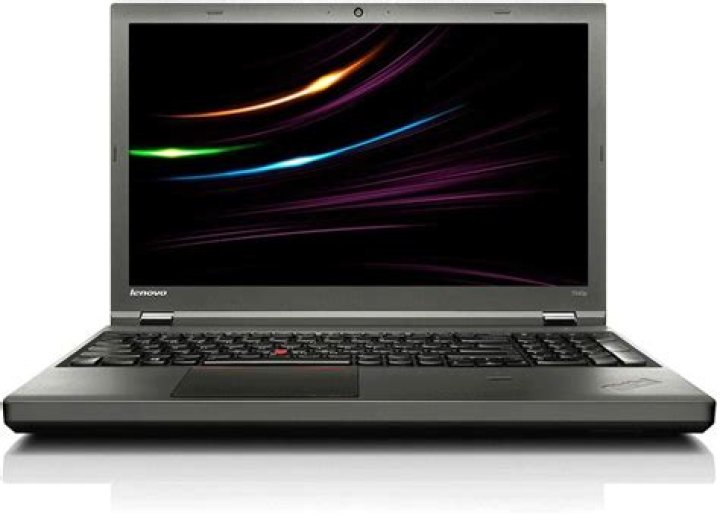
I installed Ubuntu 14.04 LTS on my Lenovo T540p laptop. Initially, I installed it dual booting with Windows and the fan was silent and working well. Then I decided to format my HD and install only Ubuntu. The system works OK but the fan went crazy.
From time to time (~ 2min) it goes to nearly 2800 and then back again to 1600.
I updated the Lenovo T540p BIOS but the problem remained. I have tried lm-sensors, but it did not change the behaviour.
I saw that there is a Thinkpad Fan control application. I did not try it because I do not know much about it, how safe it is for new users and whether it works with 14.04 LTS.
1 Answer
My problem was solved by editing the BIOS Power Management settings.
On the menu item: Power > Adaptive Thermal Management, I've changed these settings to the values shown below:
Scheme for AC: Balanced
Scheme for Battery: Balanced
I chose balanced instead of Maximum performance for both AC adapter and Battery.
After this, I re-started the system and the problem was solved.
To enter the BIOS, pressed Enter during startup.
Now the Fan stays around 2000 with normal usage and is not noisy. When the CPU is idle or lightly used the fan speed can drop to 0 rpm. When you activate any program the Fan goes up to 2000 rpm or more (depending on the CPU usage of the application) and then stays at this level.
One tip is to install lm-sensor and psensor to monitor your fan speed and CPU temperature.


