Minecraft Invisible Blocks
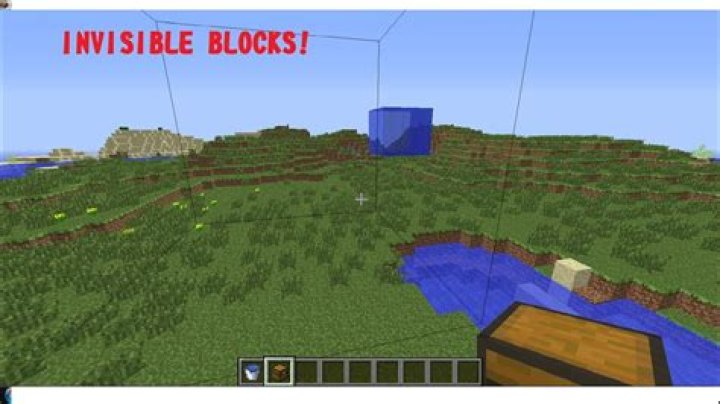
I am using Minecraft Pocket Edition and I have been trying and working on this for quite a while and I only got items and players to become invisible, but not blocks and I do not mean barrier blocks. What I mean is to have a command that can turn a block invisible, like a potion, except without any particles showing. Does anyone know what command I can use to help? I am really confused and I need your guys' help.
2 Answers
You can't turn blocks invisible. You could use a workaround such as giving the player blindness or setting the blocks around them to black concrete (It's fairly close to pure black) but there's no way to make blocks invisible other than breaking them.
You might be able to make all opaque blocks black by referencing this video, but this is most likely a bug and might be fixed in future versions.
Repeating Command Block:
/execute @e[type=armor_stand,name=invisible_block] ~ ~ ~ clone ~ ~-1 ~ ~ ~-1 ~ 0 50 0
Chain Command Block (Conditional, Always Active, Next to repeating command block):
/execute @e[type=armor_stand,name=invisible_block] ~ ~ ~ setblock ~ ~-1 ~ barrier
Repeating Command Block:
/execute @e[type=armor_stand,name=visible_block] ~ ~ ~ clone 0 50 0 0 50 0 ~ ~-1 ~
To make a block invisible, place an armor stand above it and name it invisible_block. To make an invisible block visible, place an armor stand above it and name it visible_block. This only works for one block at a time.