Minecraft windows 10 edition - Command Block question!
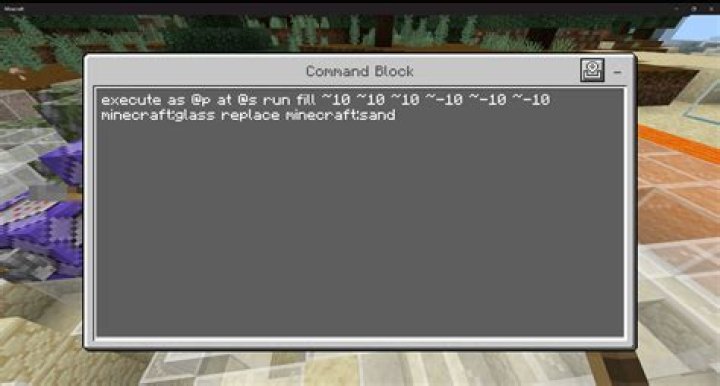
Just started playing Minecraft Windows 10 edition, and I'm having a lot of fun playing around with command blocks. I'm trying to build a store in which you trade 64 Rotten Flesh for 1 diamond. I've got most of it set up, however, whether I have 1 or 63 blocks, they all get removed and I still get the diamond.
How to I set it up so that ONLY if I have a stack or a total of 64 I would receive the item?
My commands are as follow :
First CB:
/clear @p emerald 0 1followed by chains
/testforblock 65 63 65 powered_comparator > /give @p diamond 1 > /msg @p "Message" > /title @p actionbar purchase successfulSecond row if player doesn't have an item or enough of it:
/testforblock 65 63 65 unpowered_comparator > /msg @p "Message" > /title @p actionbar Purchase Failed.2 Answers
/summon villager ~ ~ ~ {Invulnerable:1b,NoAI:1b,CareerLevel:1,Willing:1b,Offers:{Recipes:[{rewardExp:1b,buy:{id:"minecraft:rotten_flesh",Count:64b},sell:{id:"minecraft:diamond",Count:1b}}]}}
That should solve all you problems. It summons a Villager that trades 64 rotten_flesh for 1 diamond. It has no AI so it wont move around and is invulnerable so it won't die.
The first in this here normal Command Block/clear @p rotten_flesh 63
Green Command Block, and change the second command to test if the first command was executed/clear @p rotten_flesh 1And then another green Command Block with the second command tested if command executed successfully/give @p diamond 1
It takes 63 Rotten Flesh and then if you don't have 1 Rotten Flesh it won't give you a Diamond, but if you have less it's just going to take it, and it won't give you anything.
You can maybe do something so that it gives the items back if they weren't all given.