Monitor Blurry (jittery like there are scan lines) after windows update
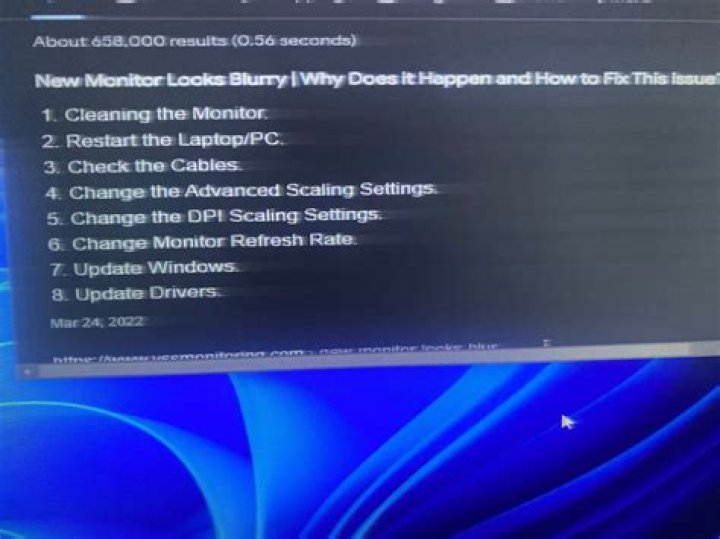
Windows 10 updated recently, and afterwards I've had a few woes. One of them is that one of my monitors is now very painful to look at. There is a constant shakeyness to everything on the screen. I'm not sure exactly what the proper term is (which makes finding a proper solution a little difficult). It's reminiscent of scan lines on old CRTs except that it's smaller, random and much much faster. I've tried changing the resolution, updating drivers, rolling back drivers, everything I can think of, and while some resolutions make the issue much more pronounced, not of them resolve it. Any ideas on how to fix this?
Monitor: Acer AL1714
GFX card: NVIDIA GeForce GTX 1050 Ti
This is what it should like (screenshot):
1 Answer
The Windows update might have deranged your display driver.
As test, I suggest to right-click the desktop and see if you have the entry of "NVIDIA Control Panel", and if it's there then launch it and verify that it sees correctly your monitor and the resolution is correct.
If everything seems correct, or if the "NVIDIA Control Panel" is missing, then download the latest matching NVIDIA driver from NVIDIA Driver Downloadsand install.


