msi GE72 2QF Apache Pro, Windows 10 laptop
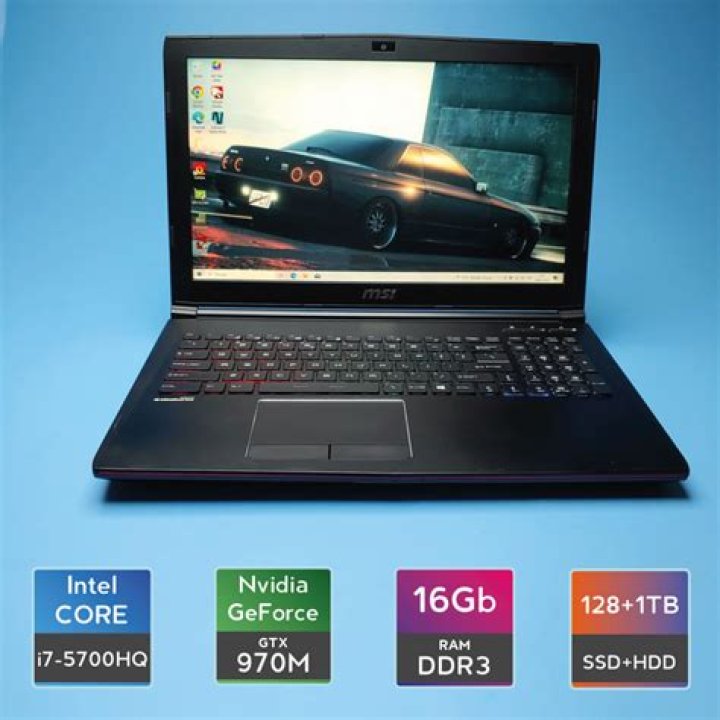
I have a gamma issue. My computer is an msi GE72 2QF Apache Pro, Windows 10. It's a brand new computer, so the graphics card should be fine. The problem first started when I was playing Overwatch. I was playing regularly, but then suddenly the framerate started severely dropping at random times. I still haven't tested the framerate to see if it had anything to do with this problem, but I don't think it does. Pretty sure my computer was just overheating. I quit the game and went to the home page, and then suddenly the gamma (When I say gamma, I refer to brightness of the screen and brightness of the colors.) on my computer screen dramatically dropped.
I shut down Overwatch and went to my desktop, where the gamma had also decreased. I tried restarting my computer, and when I restarted it the gamma had gone back the the usual. I shut down a few programs, doing normal things, I launched Overwatch again, but then the gamma dropped back down to how it was earlier. I restarted AGAIN, and the same thing happened. I tried a final time, and everything was regular.
I tried launching Overwatch and the Battle.net launcher, but then again, the gamma went down. I closed Overwatch and Battle.net and my gamma was still low. I don't know how to fix this. Please help.
3 Reset to default