No maximize option available on the title bar for `darktable`
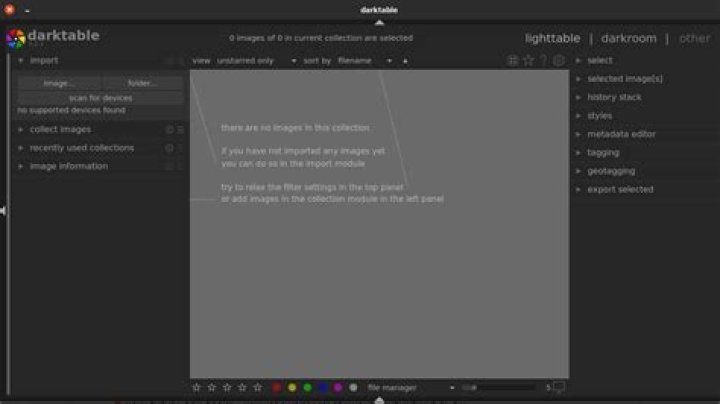
I have installed darktable from Ubuntu software center (not the snap package). darktable opens without the maximize button in the title bar as shown in the image below: What is wrong here? I have tried switching the position of windows titlebar from left (default) to right. Still there is no
maximize button option. The absence of the maximize button makes it difficult to fit the application in one workspace. Is maximize button not available for this software?
Please help.
1 Answer
I had the same problem on my laptop with a 1366x768 screen. It seems that if the window is "forced" to be larger than screen, it can't be maximized.
The solution was to reduce the size of both side toolbars and then reduce the main darktable window's width. After that, the maximize button appeared.


