OBDII graphical car diagnostics
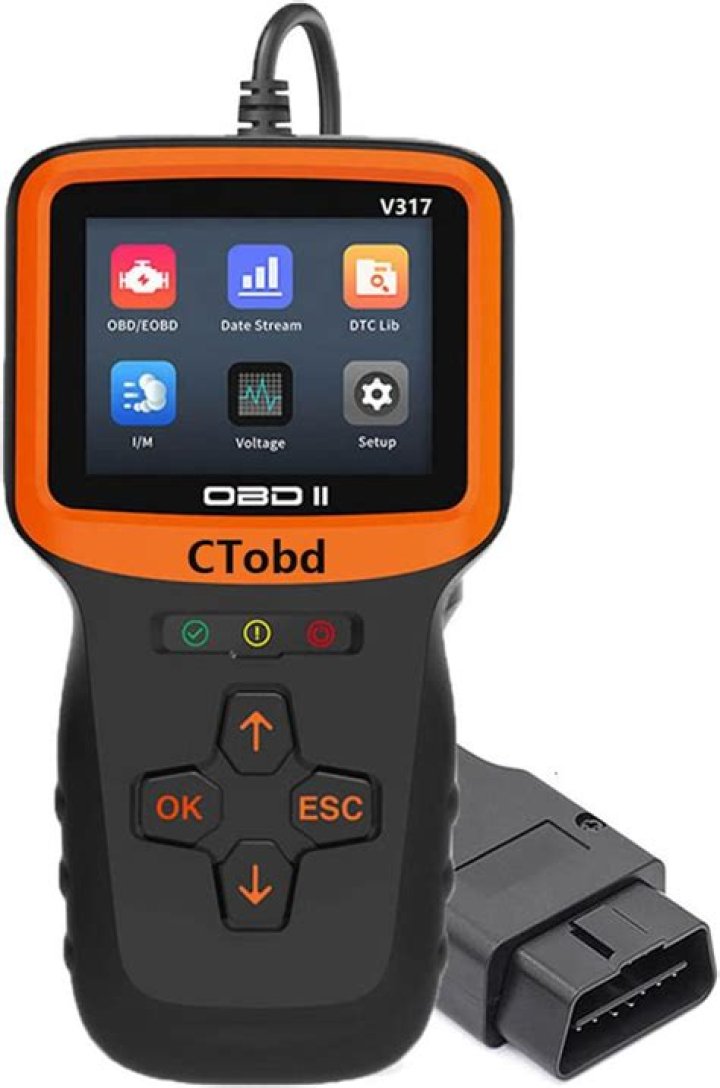
I am new to the Ubuntu environment installed 64bit Xenial on an AMD laptop and eventually managed to have everything working as the machine was restricted to OSs. Promised myself not to return to windows. I just had delivered to me an OBDII pc device but there is no software to support it in Linux and you can use it of course and I intend to do so but I'm afraid I don't meet the requirements at the moment. So I tried virtual box but no matter what I don't have USB and shared folders on the guest machine. Thought of making it a dual boot machine but it is a single hard drive split in three partition during the OS installation. Tried to partition it using gparted but I think I need to unmount the /dev/sda2 first. That might be possible using a live linux medium. I am concerned about potential data loss start up times and I also think that if windows partitions need to be at the start of the drive,so far left in gparted where my boot efi partition is. Ideally I want to install windows 7 32bit and I am not sure if that's possible considering my current OS is 64bit. I am aware that dual boot when Linux is the primary OS messes up the bootloader but I read it is fixable using linux live installation media. Please get back to me with suggestions on how to go about it.
21 Answer
note: you will need to enable the universe repository
Ubuntu has at least two OBD scan tool software packages available. You may be able to use one of these instead of the proprietary versions for your scanner.
Open a terminal and execute the following commands to install the software:
sudo apt-get update
sudo apt-get install scantool obdgpslogger
To run the software, just search for scantool or run the following command in a terminal:
scantool &I found this software using the following command to search:
apt-cache search obdI found some more info and will post more later as I find out more info.
Run the following command to use the obdgpslogger GUI:
obdgui &More helpful info:
man obdgpsloggerI took a look at the video and I see there are some differences between his terminal commands and the ones you would need to run.
First, unplug the device from your computer and run the following command:
ls /dev/tty*This will list a whole bunch of stuff that does not matter.
Next, plug the device into your computer and then run the following command:
ls /dev/tty*Now, you should see the same stuff listed and also the device should be listed as well.
12More in general

"Zoraya ter Beek, age 29, just died by assisted suicide in the Netherlands. She was physically healthy, but psychologically depressed. It's an abomination that an entire society would actively facilitate, even encourage, someone ending their own life because they had no hope. Th…"

