Regional language not working on google chrome only
I had installed malayalam language keyboard (from keyboard layout settings in systemsettings) in Ubuntu on my Dell laptop. and I can type malayalm language in any window or application except google chrome. so i cant search a word in malayalam directly.. Is there any settings to change.. Please help
21 Answer
PLease follow these instructions to set Keyboard in Chorome
Wrench Icon > Options > Under the Hood > Change font and language setting (under Web Content) > Languages(Tab) > Do these settings:
1. Add > malayalam > OK
2. Click on malayalam and move it up.
There is no Malayalam spell check by default, however you can install an extension from the chrome web store, just search for Malayalam Dictionary or click here this might help ?
Or with some more reserch I found this
0To add a new language and dictionary to Chrome, do the following:
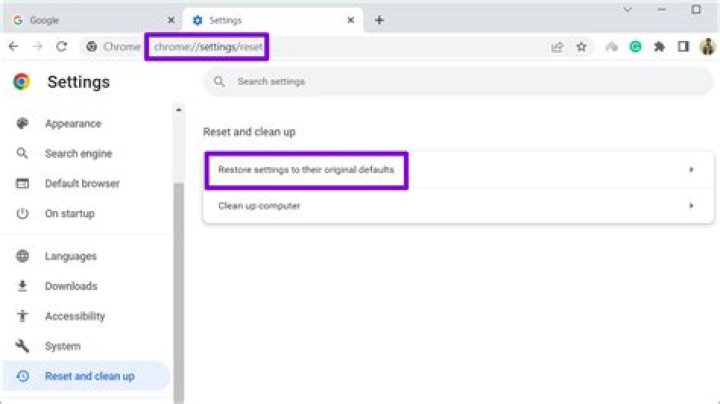
Load chrome://settings/languages directly in the web browser by pasting it into the address bar and hitting enter afterwards.
Or click on the Hamburger button located on the top right, select Settings, then Show advanced settings, and there language and input settings.
The languages menu displays all installed languages. You can only install spell checking support for languages that are installed in the browser, so click on add first on the screen to add another language to Chrome.


