/title command displaying literal JSON instead of proper title
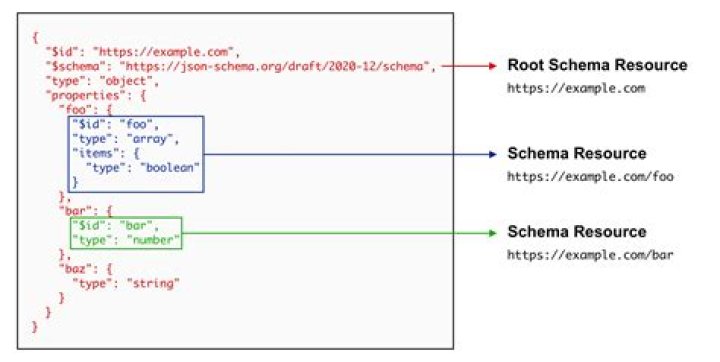
I've been trying the title command but it just would not work! I typed in /title @a title Flower Shop and it worked by showing "Flower Shop" in the middle of the screen, but when I try this: /title @a title Flower Shop {"color":"dark_red"} it just adds the literal text {"color":dark_red"} to "Flower Shop" instead of changing the color!
1 Answer
If you want to define the colour of a title in Minecraft, you will need to include both the text and the colour inside of the curly braces.
In your case, the command would look like:
/title @a title {"text":"Flower Shop","color":"dark_red"}In this command, "text" is used to define the title shown on the screen, and "color" defines the colour of the text.
The same command will work to define a subtitle if you change /title @a title to /title @a subtitle, but you will need to run the subtitle command before the title command, as they will appear together.