Ubuntu 20.04 Dual Touch Screen auto Calibration
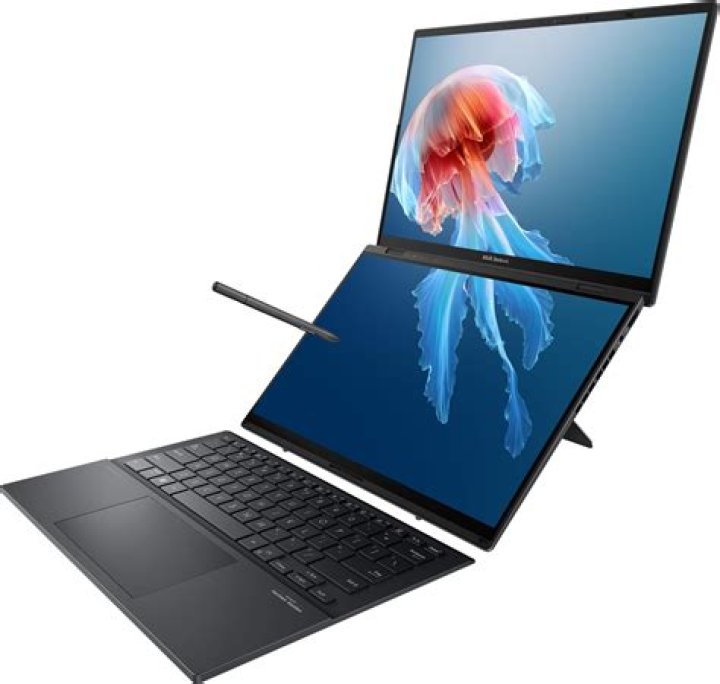
I'm trying to set up 2 Melfas LGDisplay Incell Touch screens to auto calibrate at startup on Ubuntu 20.04
I found this post online that had the exact problem:
So what he did first is to created a file @ /etc/udev/rules.d/80-n-trig.rules
Here is what I did:
###############################################################################################3 KERNEL=="event*", SUBSYSTEM=="input", SUBSYSTEMS=="input", ATTRS{name}=="Melfas LGDisplay Incell Touch", ATTRS{phys}=="usb-0000:00:14.0-1.2.1/input0", SYMLINK+="input/ntrig-left"
KERNEL=="event*", SUBSYSTEM=="input", SUBSYSTEMS=="input", ATTRS{name}=="Melfas LGDisplay Incell Touch", ATTRS{phys}=="usb-0000:00:14.0-2.2.1/input0", SYMLINK+="input/ntrig-right" ###############################################################################################
I am able to generate the ntrig-left and ntrig-right event files with no problem.
but now I am stuck on the xorg.conf file. First of all, there isn't a xorg.conf file @ /usr/share/X11/xorg.conf.d/xorg.conf
I tried to create one using @ sudo X :1 -configure
I moved this template under /usr/share/X11/xorg.conf.d and renamed it xorg.conf.
I updated the new xorg.conf file with the following content: ########################################################################################
Under section ServerLayout added lines
InputDevice "TouchLeft" "CorePointer"
InputDevice "TouchRight" "CorePointer"
Add new InputDevice sections that link to input events (n-trig left and right)
Section "InputDevice"
Identifier "TouchLeft"
Driver "xhci_hcd"
Option "Device" "/dev/input/ntrig-left"
EndSection
Section "InputDevice"
Identifier "TouchRight"
Driver "xhci_hcd"
Option "Device" "/dev/input/ntrig-right"
EndSection ########################################################################################
After I rebooted the system, this new xorg.config file screwed my display a bit, I'm seeing blue vertical lines. but I guess we can skip pass that. but when I tried xinput in the terminal, I don't see TouchLeft or TouchRight.
I tried executing this in the command line:
#########################################################
xinput set-prop TouchLeft --type=float "Coordinate Transformation Matrix" 0.5 0 0 0 1 0 0 0 1
xinput set-prop TouchRight --type=float "Coordinate Transformation Matrix" 0.5 0 0.5 0 1 0 0 0 1
#######################################################
The result is device not found.
Can someone please help me with this. If there is another approach, I'm happy to take your advise too. I just need to develop something that will automatically calibrate my 2 touchscreens when a user logs in.
Thank you so much!!!!!!
Reset to default

