Ubuntu 21.04 Guest on VMware Workstation 16 Gnome Forgets UI Scale On Resolution Change
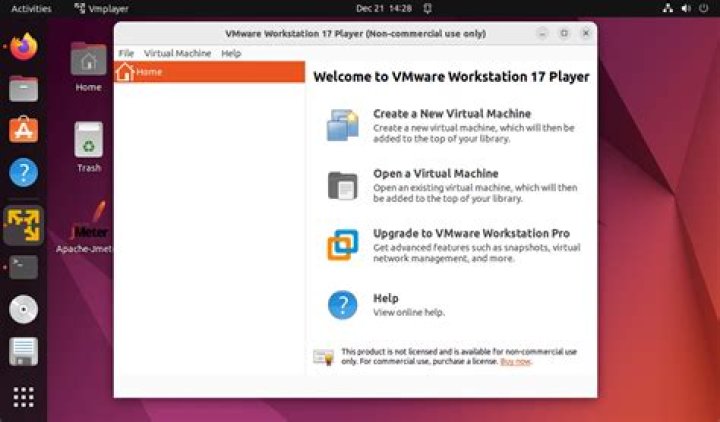
I am running Ubuntu 21.04 VMs in VMware Workstation Pro 16.1.2 build-17966106. When toggling between full screen and normal mode (which causes VMware to poke the guest tools to change the virtual monitor resolution to adjust), the VMs forget their UI scale, resetting back to 100%. The Windows 10 VMs do not exhibit this behavior, which suggests that the problem is not the hypervisor or the hardware.
Any thoughts would be appreciated!
2 Answers
From everything I’ve been able to determine (through months of similar issues reported at the day job) is that VMware is not passing the scaling setting when resizing the display.
When the resolution and scale is set in the UI or via Terminal, the commands generally look something like this:
xrandr --newmode "1680x1050_60.00" 146.25 1680 1784 1960 2240 1050 1053 1059 1089 -hsync +vsync
xrandr --output eDP-1-1 --primary --pos 0x0 --scale 2x2
Note the --scale at the end of the second command that sets the value at (for this example) 200%. This second command is not performed by the VMware tools, just the first.
One method of handling this would be to have a script that runs periodically in the background to check if the screen resolution has changed and, if it has, set the scale. This answer from a few years back shows a working method to accomplish this goal. It would be suboptimal but, until VMware updates their tools to be a little more Ubuntu-friendly, workarounds are required 😕
1I finally got sufficiently annoyed with this problem that I built a workaround: , for anyone that is interested


