Ubuntu Server unable to install Elasticsearch Unable to locate package
By Mia Morrison •
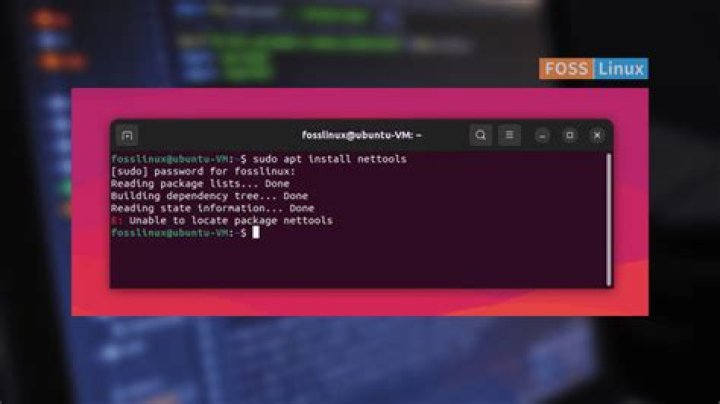
I am trying to install elasticsearch following the instructions at onto a laptop running ubuntu server 18.04.5
conor@dev:~$ lsb_release -a
No LSB modules are available.
Distributor ID: Ubuntu
Description: Ubuntu 18.04.5 LTS
Release: 18.04
Codename: bionic
conor@dev:~$ lscpu
Architecture: i686
CPU op-mode(s): 32-bit
Byte Order: Little Endian
CPU(s): 2
On-line CPU(s) list: 0,1
Thread(s) per core: 2
Core(s) per socket: 1
Socket(s): 1
Vendor ID: GenuineIntel
CPU family: 6
Model: 28
Model name: Intel(R) Atom(TM) CPU N270 @ 1.60GHz
Stepping: 2
CPU MHz: 844.956
CPU max MHz: 1600.0000
CPU min MHz: 800.0000
BogoMIPS: 3199.76
L1d cache: 24K
L1i cache: 32K
L2 cache: 512K
Flags: fpu vme de pse tsc msr pae mce cx8 apic sep mtrr pge mca cmov pat clflush dts acpi mmx fxsr sse sse2 ss ht tm pbe nx constant_tsc arch_perfmon pebs bts cpuid aperfmperf pni dtes64 monitor ds_cpl est tm2 ssse3 xtpr pdcm movbe lahf_lm dthermI have listed the commands I have ran and their outputs below but I'm struggling to work out why it cant find the elasticsearch package.
Import Key
conor@dev:~$ wget -qO - | sudo apt-key add -
OK
Install from APT Repository
conor@dev:~$ sudo apt-get install apt-transport-https
Reading package lists... Done
Building dependency tree
Reading state information... Done
apt-transport-https is already the newest version (1.6.12ubuntu0.1).
0 to upgrade, 0 to newly install, 0 to remove and 0 not to upgrade.
conor@dev:~$ echo "deb stable main" | sudo tee /etc/apt/sources.list.d/elastic-7.x.list
deb stable mainconor@dev:~$ sudo apt-get update && sudo apt-get install elasticsearch
Hit:1 bionic InRelease
Hit:2 bionic-updates InRelease
Hit:3 bionic-backports InRelease
Hit:4 bionic-security InRelease
Hit:5 stable InRelease
Reading package lists... Done
Reading package lists... Done
Building dependency tree
Reading state information... Done
E: Unable to locate package elasticsearch

