Unity mode missing in VMware 15 Workstation Player [Ubuntu 18.04 LTS]
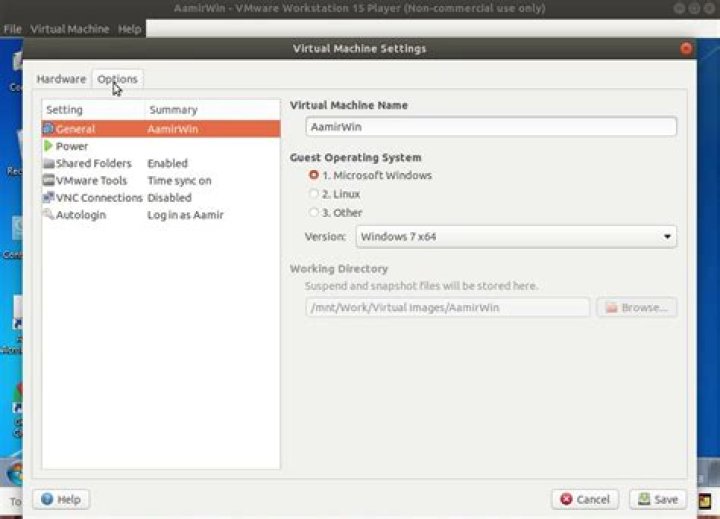
I have recently installed VMware Workstation 15 Player on my Ubuntu 18.04 laptop and and installed Windows 7 as the guest OS in VMware. I have installed VMware Tools and everything seems fine. I wanted to try out Unity mode, but can't seem to find it under Virtual Machine -> Virtual Machine Settings -> Options. The documentation repeatedly shows that Unity mode can be found in the Options menu. Why am I not seeing it? What am I missing?
Screenshots:
Settings
VM Settings -> Hardware
VM Settings -> Options
1 Answer
From VMware Workstation 12 Player Release Notes:
The following features have reached end of life in Workstation 12 Player [...and later] and have been removed:
- Unity mode on Linux guest and host operating systems
Unity mode on Linux guest and host operating systems has also been removed from VMware Workstation 12 and later.
4

