VBoxManage: error: Failed to create the host-only adapter
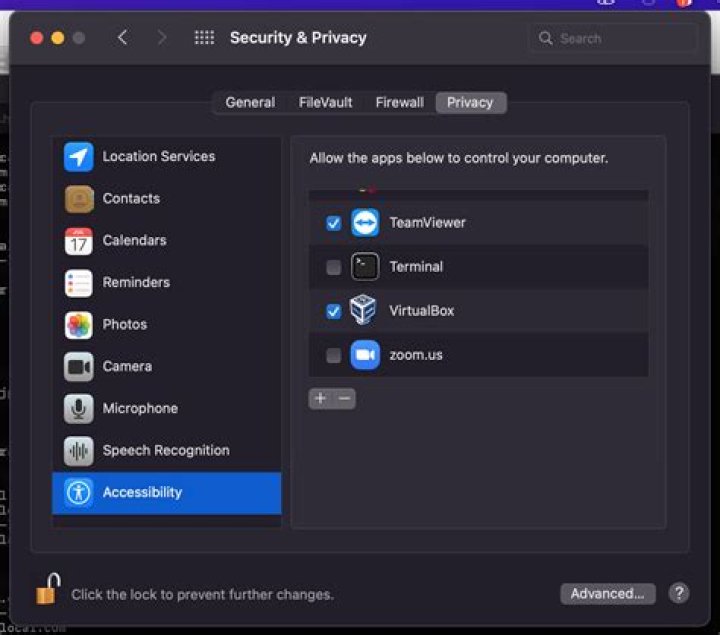
I've installed virtualbox version 5.1.20 and vagrant version 1.9.4 and then when I ran vagrant up, I got the following error
Command: ["hostonlyif", "create"]
Stderr: 0%...
Progress state: NS_ERROR_FAILURE
VBoxManage: error: Failed to create the host-only adapter
VBoxManage: error: VBoxNetAdpCtl: Error while adding new interface: VBoxNetAdpCtl: ioctl failed for /dev/vboxnetctl: Inappropriate ioctl for devic
VBoxManage: error: Details: code NS_ERROR_FAILURE (0x80004005), component HostNetworkInterfaceWrap, interface IHostNetworkInterface
VBoxManage: error: Context: "RTEXITCODE handleCreate(HandlerArg*)" at line 94 of file VBoxManageHostonly.cpp
I fount this answer here Could not load 'vboxdrv' after upgrade to Ubuntu 16.04 (and I want to keep secure boot) but when I get to the third step sudo mokutil --import MOK.der, I got the following error
EFI variables are not supported on this systemI'm running Ubuntu 16.04.
3 Answers
I have spent hours and hours, trying various combinations of virtualbox and vagrant, no luck.
Remove virtual box or any old versions of it.
sudo apt remove virtualbox virtualbox-5.0 virtualbox-4.*Then try using one of ubuntu repositories to install
sudo apt-get install virtualboxWorked for me.
1Restarting network manager should help:
sudo modprobe vboxnetadpI had the same problem and the apt remove install answer did not work for my (Ubuntu 16.04) I did get it to work by using sudo apt remove virtualbox virtualbox-5.0 virtualbox-4.* and then installing the 5.1 .deb file from virtualbox VirtualBox 5.1 downloads


