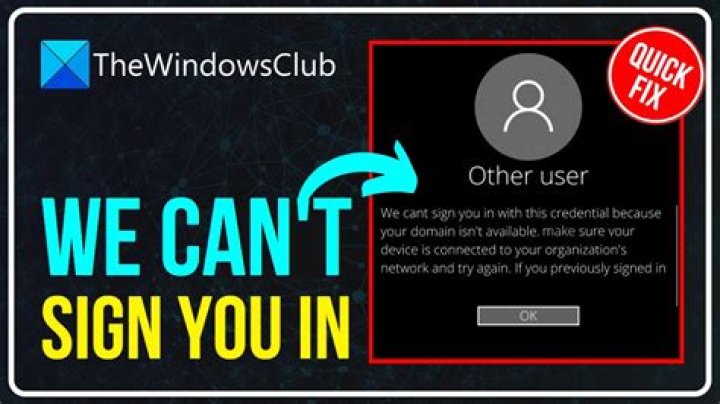
We can't sign you in with this credential because your domain isn't available
I have a computer on the other end of a vpn which certain accounts are not able to log into remotely (I don't know if the same issue occurs locally). Those accounts can log into other computer on the same network fine.
The message received is
Other user
We can't sign you in with this credential because your domain isn't available. Make sure your device is connected to your organization's network and try again. If you previously signed in on this device with another credential, you can sign in with that credential
Incedentally I can log in fine with accounts which have a folder in c:\users (i.e. presumably one of those 'previously signed in on' accounts)
Rebooting the computer got me past that screen, but then presented with an error (inside windows desktop) saying the profile could not be loaded, sign out or continue with the temporary profile (I don't have access to the message to give you the exact wording of the error) and weirdly clicking on the start button does nothing. I have to navigate using task manager and run command.
I am able to ping both domain controllers from the computer. The computer seems to have all the appropriate entries in the domain controller (dns entry and an entry in AD computers)
I googled it but the suggestions do not help in my situation (for example one suggestion was to delete 'protected users' group, but there is no such group)
I have tried removing the computer from the domain and adding it back. The remove and re-add went fine but the problem persists.
I have tried sfc /scannow which did find and fix corrupted files, but after rebooting after completion of sfc /scannow I can no longer even connect to the computer at all (I can ping it) I have asked a colleague to tell me what's showing on the computer locally, and reboot it, but in the meantmie any ideas on how to resolve the Domain issue? (For if/when i regain access to the computer)
1 Answer
Your computer is domain joined, but the thrustrelationship with the domain has been broken, which caused this to happen.
Login using your old credentials, then establish VPN connection and use a temporary profile if you have to.
Now run GPupdate /force from a command line and a gpresult /v afterwards to verify that your policies are uptodate.
Reboot and test if all works correctly. If not, contact your IT provider.
3

