What is the KDE equivalent of the Microsoft Windows Alt+Space and Alt+'-' sequences?
Microsoft Windows enables you to activate a window's system menu using the Alt+Spacebar key combination and do so for an internal window ie (MDI) via Alt+- combinations. It is equivalent to clicking the icon on the application's title bar to activate the menu.
When I press Alt+Spacebar in KDE, the KRunner dialogue (Alt+Spacebar) pops up.
Does KDE have an equivalent for the Alt+Spacebar and if not how can I change the mapping from KRunner?
1 Answer
Unlike many other desktop environments, KDE Plasma doesn't use Alt+Spacebar as the default keyboard combination to bring up the client window menu to which you refer. One has to use Alt+F3 or one can click on the Menu button (circled) usually at the top left of the window's titlebar:
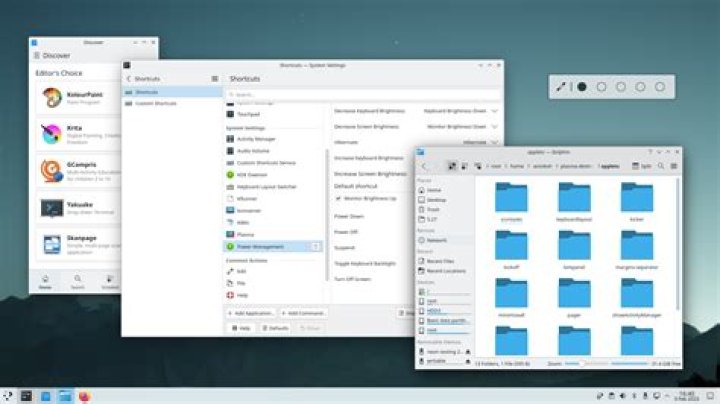
If you wish to change things, you can via Custom Shortcuts. I've have an answer here that describes changing shortcuts which you may find helpful.
I'm not going into specifics because keyboard shortcuts are a matter of personal choice and they also depend on what other shortcuts you have set up or intend to set up in the future.
1

