Where is the location of the Nautilus file manager icon in Ubuntu 16.10?
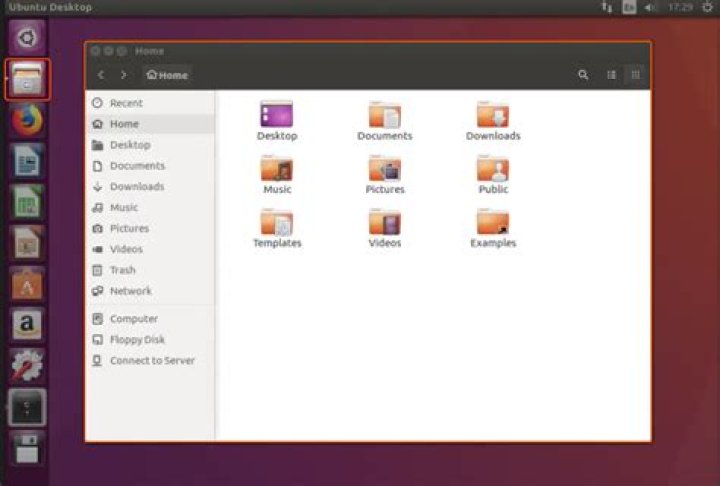
I successfully changed several icons by adding .png files into the pixmaps folder, and editing the programs' Icon=.
Nautilus doesn't seem to follow that rule, and I am curious where does it pull its icons from, and how can I find out? It also has 3 nautilus Files files in usr/share/applications, and even more on the console list. Is it enough to just change the nautilus.desktop file, or will I have to change more?
1 Answer
Nautilus is a GNOME file manager and using sudo allows for root access to otherwise locked folders due to permission error in Ubuntu.
In Ubuntu 16.04.2 LTS, the Nautilus icon is located here: /usr/share/icons/Humanity/apps/128/system-file-manager.svg
The smaller version of Nautilus icon is located in other folders, such as /apps/32/system-file-manager.svg
Another version of Nautilus icon (i.e. gastropod seashell) can be saved from here:
The Nautilus.desktop file looks like this:
[Desktop Entry]
Type=Application
Version=3.14.3
Name=GNOME Nautilus
GenericName=File Manager
Comment=Access Folders as Root
Icon=/usr/share/icons/Humanity/apps/128/system-file-manager.svg
Exec=gksudo nautilus /home
Terminal=false
Name[en_US]=Nautilus
Make sure to change Permissions tab, Owner: and Group: set to Read and Write, and check box for Execute: Allow executing file as program


