Wired network works in live CD but not after installation
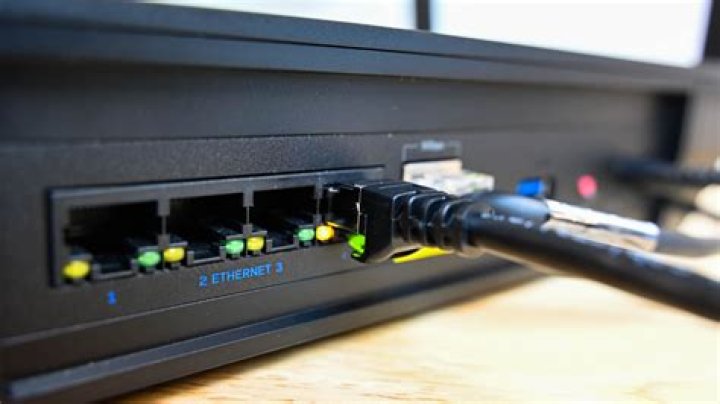
Live CD and installation have working network connection.
But after installing, the network connection is offline; it won't connect! No automatic configuration, aka DHCP doesn't work.
Static configuration allows it to connect to the network (so it says) but I'm unable to ping my DSL router, hence the NIC isn't working properly. It will ping the loopback and it's own static IP address and that's it. The router also doesn't see it connected to network! I've disabled IPv6, but still no luck. I've tried the command dhclient eth0, but still no luck. I've tried service network-manager restart, but still no luck. ifconfig shows static IP configuration and IPv6 disabled. My guess is the installed network driver is different from the Live CD and Installation version; how retarded is that!
Ok, seeing how I have no internet connection on this machine, how in the heck do I manually install a network driver for a dual boot Intel Mac Mini (2009 model)? I've been searching for an answer for 3 days now. I've seen the same problem numerous times posted all over the internet, but I have yet to find a solution to the problem =).
By the way, in OSX, the network functions flawlessly so it's not a hardware or network problem. Also, seeing how this OS has driver issues among other things, would it kill someone to create a GUI Device Manager that installs with the OS. It would be nice to be able to manage device drivers without going into the terminal...just a thought.
11 Answer
Try configuring your interfaces file:
- Open a terminal
- For sudo session type:
sudo -i - Enter your password
If you are unsure what your network interface is, determine it by executing:
ip link show. This will give you a list of network interfaces available.You should see something like:
# ip link show 1: lo: <LOOPBACK,UP,LOWER_UP> mtu 65536 qdisc noqueue state UNKNOWN mode DEFAULT group default qlen 1000 link/loopback 00:00:00:00:00:00 brd 00:00:00:00:00:00 2: enp24s0: <BROADCAST,MULTICAST,UP,LOWER_UP> mtu 1500 qdisc fq_codel state UP mode DEFAULT group default qlen 1000 link/ether 00:d8:61:2e:27:7c brd ff:ff:ff:ff:ff:fflostands for the loopback interface, so ignore that. For cabled network interfaces look forethX,enX,enX,ensX,enpXsY,pXpY(whereXandYare integers). For wireless look forwlanX. Make note of the interface you will be configuring.Edit the file
/etc/network/interfaces(e.g.xdg-open /etc/network/interfacesif you are on a GUI terminal or"${EDITOR:-nano}" /etc/network/interfacesfor a CLI editor)You should see something like this in the file content:
# interfaces(5) file used by ifup(8) and ifdown(8)
auto lo
iface lo inet loopback
Add the network interface from above with dhcp configuration. For example:
#DHCP config for eth0
auto eth0
iface eth0 inet dhcp
OR
#DHCP config for wlan0
auto wlan0
iface wlan0 inet dhcp
Save the file and exit
- Restart networking by executing
service networking restart.
More in general

"Zoraya ter Beek, age 29, just died by assisted suicide in the Netherlands. She was physically healthy, but psychologically depressed. It's an abomination that an entire society would actively facilitate, even encourage, someone ending their own life because they had no hope. Th…"

